
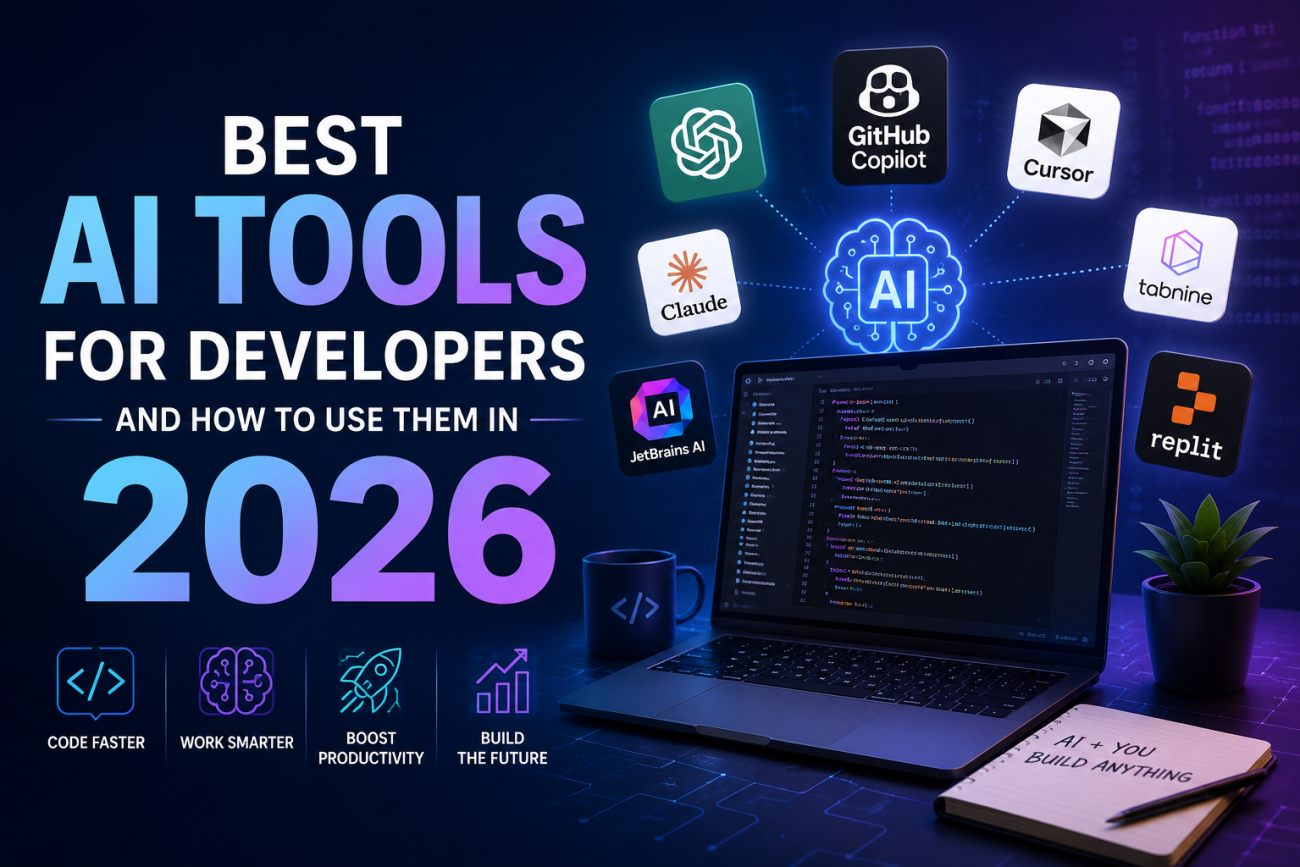
Modern developers no longer rely only on manual coding because AI tools for developers in 2026 are transforming the software industry rapidly. From startups in Pakistan to global tech companies, programmers now use smart systems to improve coding productivity with AI and finish projects faster. These advanced platforms help developers write cleaner code, detect bugs instantly, and manage large applications without wasting countless hours.
Many freelancers also use AI code completion tools, AI programming assistants, and AI tools for debugging code to compete in international markets. As technology evolves quickly, developers who understand AI-powered workflows gain a major advantage in productivity, learning, and software development success.
Introduction to AI Tools for Developers
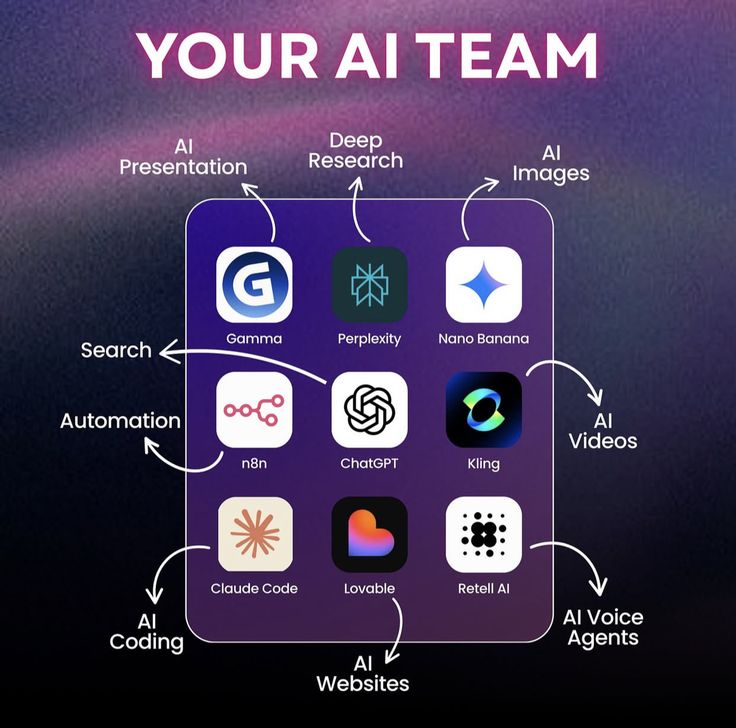
Software development feels different today. Developers no longer work alone with endless tabs open in browsers. Instead, they use smart assistants that understand code patterns and suggest real-time solutions. These modern AI development software platforms help programmers write cleaner code while reducing stress during large projects. Pakistani developers working on Fiverr and Upwork especially benefit because faster delivery often means better earnings.
The biggest advantage is speed. Developers can now generate code faster using AI while improving accuracy at the same time. Many companies in Lahore, Karachi, and Islamabad already use AI productivity tools for developers to save time on repetitive work. Like a GPS guiding drivers through traffic, AI coding tools guide developers through complex programming problems.
What Are AI Coding Tools?

AI coding tools are intelligent software systems designed to assist programmers during development tasks. These tools understand natural language prompts and convert them into usable code. Some act as autocomplete systems while others behave like advanced virtual teammates. Modern AI code generators can create functions, APIs, and even full project structures within seconds.
The market now includes powerful AI pair programming tools and advanced AI coding agents capable of understanding project-wide architecture. Tools like GitHub Copilot and Cursor can explain code logic, debug errors, and suggest improvements instantly. This transformation has completely changed AI for software engineering workflows because developers can now focus more on creativity instead of repetitive technical work.
Difference Between AI Coding Assistants and AI Agents
Traditional coding assistants mainly suggest snippets or autocomplete lines. AI agents go several steps further. They understand broader project goals, analyze repositories, and automate workflows across multiple files. Think of a coding assistant as a calculator while an AI agent behaves more like a junior developer working beside you.
For example, a simple assistant may suggest a loop function. However, an AI agent can build authentication systems, optimize APIs, and review project dependencies automatically. This evolution explains why many companies now invest heavily in AI coding solutions for teams and enterprise-level automation systems.
Benefits of Using AI Tools for Developers
Modern developers face tight deadlines and increasing project complexity. AI coding platforms reduce this pressure by handling repetitive tasks automatically. Many programmers now use AI tools for debugging code to identify hidden issues quickly. Instead of manually reviewing hundreds of lines, developers receive instant suggestions that save valuable hours.
Another major advantage involves learning. Beginners often struggle when starting new frameworks or languages. Smart AI programming assistants explain code logic in plain English which makes learning smoother and less frustrating. Pakistani students learning Python or JavaScript can now improve faster using AI tools for beginners in programming without expensive mentorship programs.
Developers also use AI to improve collaboration inside teams. These systems help document codebases, review pull requests, and maintain coding standards. Businesses using AI coding workflow automation often complete projects faster than competitors. This speed advantage matters greatly in freelancing markets where deadlines determine reputation and income.
| Benefit | Impact on Developers |
| Faster Coding | Saves development time |
| Error Detection | Reduces debugging stress |
| Code Suggestions | Improves coding quality |
| Documentation Help | Simplifies maintenance |
| Learning Support | Helps beginners improve |
Key Features to Look for in an AI Coding Tool
Choosing the right tool feels like selecting the perfect cricket bat. The wrong choice slows performance while the right one boosts confidence instantly. Developers should first look for strong code completion capabilities. Reliable AI code optimization tools help improve efficiency and reduce unnecessary complexity inside projects.
Integration support matters too. Many developers prefer tools compatible with VS Code, JetBrains, or cloud platforms. The best systems offer AI tools integrated with IDEs because switching platforms repeatedly kills productivity. Security features also play a critical role especially for enterprise companies managing sensitive data.
Another important factor is language support. Strong AI tools for Python developers and AI tools for JavaScript developers should understand frameworks deeply rather than simply suggesting generic code. Pricing also matters because freelancers often prefer affordable subscriptions while enterprises require scalable solutions with better governance and compliance features.
| Feature | Why It Matters |
| IDE Integration | Improves workflow speed |
| Security | Protects sensitive code |
| Multi-language Support | Helps across projects |
| AI Chat Support | Simplifies debugging |
| Cloud Sync | Supports remote teams |
Best AI Tools for Developers in 2026
The AI coding market has exploded with innovation. Several tools now dominate the industry because of reliability, speed, and advanced capabilities. GitHub Copilot remains one of the most popular choices due to strong autocomplete and coding assistance. Many developers consider it the best AI assistant for coding because it integrates smoothly with major IDEs.
Cursor AI has gained massive popularity among startup developers and freelancers. It offers excellent chat-based coding workflows and intelligent debugging features. Meanwhile, Amazon Q Developer works exceptionally well for AWS infrastructure projects while Google Gemini Code Assist shines inside cloud ecosystems. These modern platforms are redefining AI-powered software development globally.
GitHub Copilot Best AI Coding Assistant for Everyday Developers
GitHub Copilot behaves like a highly experienced coding companion. It predicts functions, writes boilerplate code, and explains difficult logic instantly. Developers working on frontend systems benefit greatly because the tool accelerates repetitive tasks dramatically. Many programmers now use Copilot to automate repetitive coding tasks while focusing on architecture and creativity.
Cursor AI stands out for conversational workflows. Developers can ask natural language questions and receive detailed coding solutions immediately. This tool has become especially useful for startups and remote freelancers managing multiple projects simultaneously.
| Tool | Best Use Case |
| GitHub Copilot | General coding assistance |
| Cursor AI | Debugging and rapid development |
| Amazon Q | AWS workflows |
| Gemini Code Assist | Google Cloud projects |
| Tabnine | Privacy-focused coding |
| Replit AI | Learning and prototyping |
How Developers Use AI Tools in Real Projects

Real-world applications of AI coding tools extend far beyond autocomplete suggestions. Developers now use these platforms to build APIs, optimize databases, generate test cases, and improve security. Modern AI tools for backend development help automate server-side tasks while frontend engineers rely on AI tools for frontend developers to create responsive interfaces faster.
Machine learning engineers also benefit significantly. Many teams now depend on AI tools for machine learning developers to streamline data preprocessing, automate model testing, and optimize deployment workflows. This evolution has transformed AI tools for data science workflows into essential assets for modern engineering teams.
A Pakistani freelancer building eCommerce websites may use GitHub Copilot for React components while using Cursor AI for API debugging. This combination dramatically reduces delivery time and improves client satisfaction.
Best AI Coding Tools for Different Developer Needs
Different developers require different solutions. Beginners usually need affordable tools with learning support while enterprise companies prioritize governance and scalability. Freelancers often prefer tools that integrate quickly with daily workflows without steep learning curves.
For students and beginners, Replit AI works beautifully because setup remains simple and browser-based. Professional software houses may prefer enterprise-grade solutions like IBM watsonx because of stronger compliance systems. Developers handling large repositories often choose advanced AI tools for large codebases for better context understanding and dependency analysis.
| Developer Type | Recommended Tool |
| Beginners | Replit AI |
| Freelancers | Cursor AI |
| Enterprise Teams | IBM watsonx |
| AWS Developers | Amazon Q |
| Data Scientists | Databricks Assistant |
Challenges and Limitations of AI Coding Tools
AI coding systems are powerful yet imperfect. Developers should never trust generated code blindly. Sometimes AI produces insecure or outdated solutions that create future maintenance problems. This issue becomes dangerous in production systems handling financial or healthcare data.
Another challenge involves dependency on automation. Developers who rely too heavily on AI may weaken their problem-solving abilities over time. Some companies also worry about privacy because cloud-based tools process sensitive code externally. That is why businesses increasingly seek secure AI coding tools with strong enterprise protection features.
Licensing concerns also exist. AI-generated code occasionally resembles copyrighted open-source repositories. Developers must carefully review outputs before deployment to avoid legal complications later.
Tips to Get the Best Results from AI Coding Assistants
Developers achieve better results when they provide clear prompts and structured instructions. AI tools behave like talented interns. They perform best when expectations remain specific and detailed. Writing better prompts helps programmers improve coding productivity with AI dramatically.
Another smart strategy involves combining AI suggestions with human review. Developers should use AI for repetitive work but maintain control over architecture decisions. Teams using AI code review tools alongside manual inspections usually maintain stronger quality standards.
Many experts also recommend experimenting with multiple platforms. Different tools excel in different workflows. For example, GitHub Copilot works well for web development while Amazon Q performs better inside AWS environments. Choosing wisely can transform productivity completely.
Future of AI in Software Development

The future of software development looks deeply connected with artificial intelligence. Experts predict AI systems will soon handle complete workflows from planning to deployment. Advanced AI tools for automation may eventually build full-stack applications with minimal human input.
The rise of autonomous coding agents also means developers must adapt quickly. Instead of manually writing every line, programmers will focus more on strategy, architecture, and creative problem-solving. This shift creates exciting opportunities for Pakistani developers entering global freelancing markets.
How AI Will Change Programming Careers in the Next Five Years
Future coding environments may feel more conversational than technical. Developers could describe features in plain language while AI systems generate production-ready applications automatically. However, human creativity and logical thinking will still remain essential.
This evolution will increase demand for engineers who understand system architecture, cybersecurity, and business logic deeply. Developers who embrace AI in DevOps and software development today will likely dominate tomorrow’s tech industry.
Final Thoughts
The software world now moves faster than ever before. Developers who ignore AI tools risk falling behind competitors using automation to accelerate workflows. Understanding the best AI tools for developers and how to use them helps programmers stay productive, competitive, and future-ready.
Modern coding assistants already save thousands of hours globally every single day. Whether you are a beginner learning Python or a senior engineer managing enterprise infrastructure, the right AI tool can transform your workflow completely. The future belongs to developers who learn how to work alongside intelligent systems rather than fear them.
FAQs:
1. Best AI for Coding Free?
GitHub Copilot Free, Cursor AI, and Replit AI are among the best free AI coding tools for beginners and freelance developers in 2026.
2. Which AI Is Best for Code Generation?
GitHub Copilot is widely considered the best AI for code generation because it creates accurate code snippets, functions, and automation scripts quickly.
3. Best AI Coding Agents 2026?
Cursor AI, Devin AI, and GitHub Copilot Workspace are leading AI coding agents in 2026 due to their advanced automation and project understanding.
4. Best Free AI for Coding 2026?
The best free AI coding assistants in 2026 include Replit AI, Gemini Code Assist Free, and GitHub Copilot Free for fast and smart coding help.
5. Best Coding AI Assistants for Developers and How They Work?
AI coding assistants like Copilot and Cursor analyze your code, understand prompts, and suggest real-time solutions to improve productivity and debugging.
